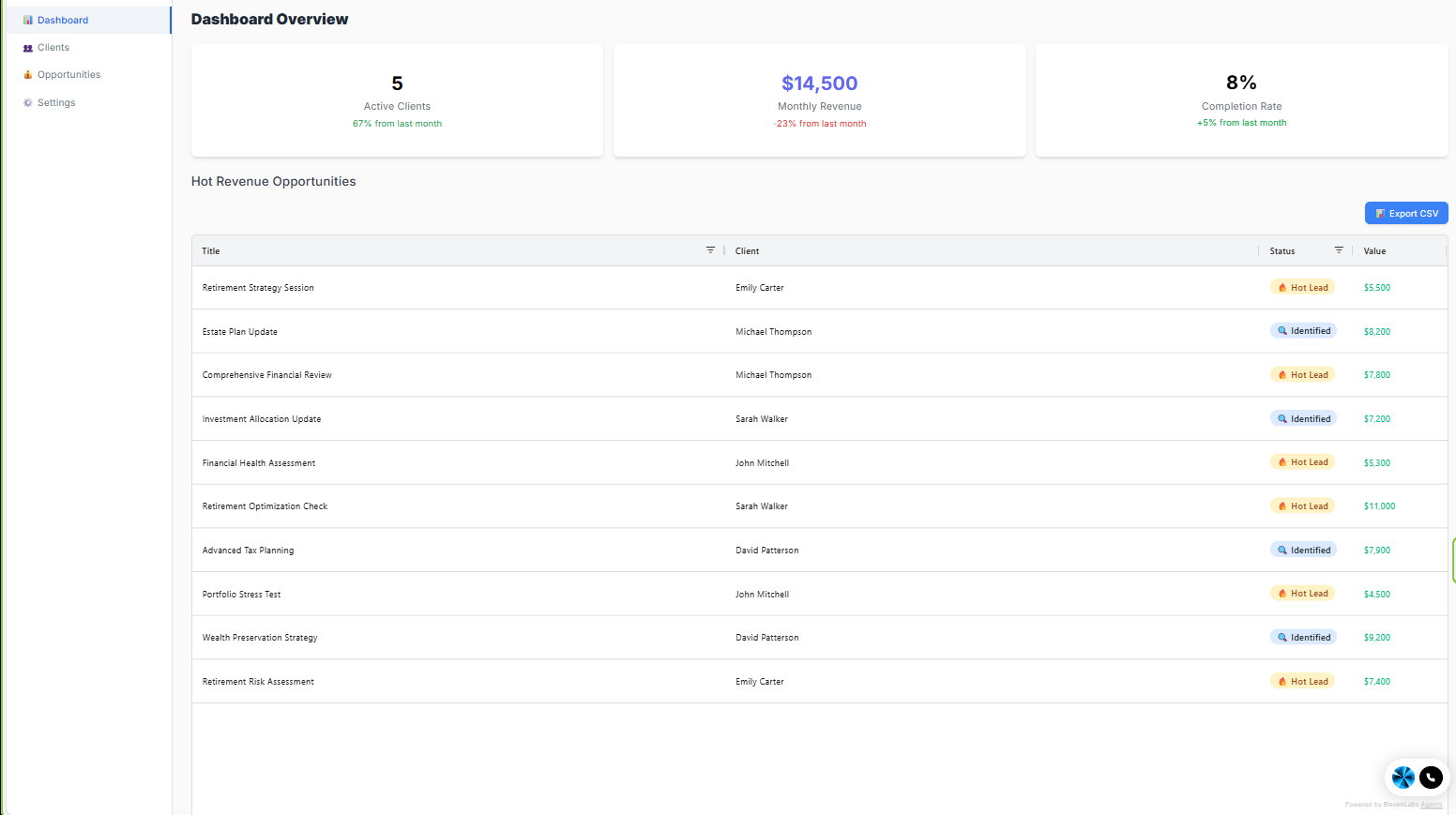
This article prevents “wandering.” The dashboard tells you where to go next based on what you're trying to accomplish.
If your goal is onboarding clients
- Go to Clients
- Add the client
- Open Manage and begin the vault workflow
If your goal is building out a client's vault
- Open the client and go to Manage vaults
- Create records in the categories that apply, then assign each to the right vault
- Confirm nothing reads “Not assigned to any vault yet” before you finish — an unassigned record reaches no one
If your goal is generating revenue
- Go to Opportunities
- Review Hot Leads first
- Update statuses so your pipeline reflects reality
If your goal is fixing onboarding friction
- Go to Settings
- Confirm Sample Data is cleared (if using real clients)
- Confirm Help & Onboarding preferences are set correctly
Related Articles
Was this article helpful?
That’s Great!
Thank you for your feedback
Sorry! We couldn't be helpful
Thank you for your feedback
Feedback sent
We appreciate your effort and will try to fix the article